Single Sign-On
Active Directory is a directory service provided by Microsoft that manages users, computers, and resources within an organization. It supports identity authentication and access control and can be integrated with SSO to enhance security and management efficiency. It is ideal for centralized management in enterprise IT environments.

Microsoft Entra ID is a cloud-based identity and access management service from Microsoft. It supports SSO, Multi-Factor Authentication (MFA), Conditional Access, and Zero Trust security policies to ensure resource security and regulatory compliance for businesses.
Google Workspace Authentication provides enterprise-grade identity and access management. It supports SSO, MFA, and Conditional Access, ensuring secure login to Google services and third-party applications. It enhances security and management efficiency, making it well-suited for cloud collaboration environments.
LINE Authentication allows businesses to use LINE Login for identity verification. It supports SSO and OAuth 2.0, enabling users to quickly and securely access applications and services. It also enhances user experience and allows businesses to integrate with LINE Official Accounts for personalized interactions and marketing notifications.
FAQ & Summary
Yes. Through seamless integration with Microsoft Entra ID and Google Workspace, you can enforce MFA (Multi-Factor Authentication) across your organization. This mandates a second layer of identity verification, effectively neutralizing the risk of unauthorized access due to compromised passwords.
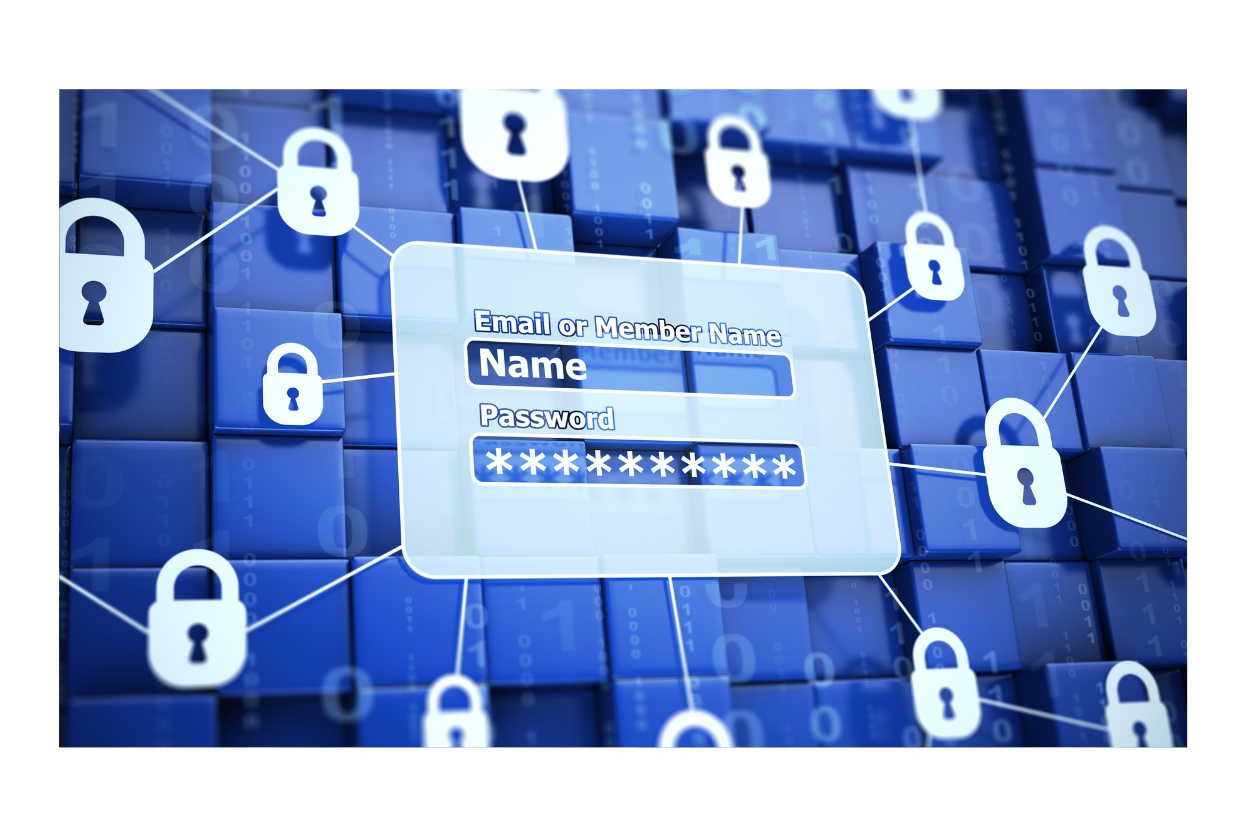
Absolutely. By integrating with your local Active Directory (AD) or cloud-based identity providers, 101Form delivers a Single Sign-On (SSO) experience. Employees utilize their primary enterprise credentials to gain access, eliminating “password fatigue” and streamlining the user onboarding process.
SSO significantly optimizes IT resource allocation. By centralizing Credential Governance, the volume of “forgotten password” tickets—which typically account for a high percentage of helpdesk requests—is drastically reduced. This allows your IT team to focus on high-value strategic initiatives rather than repetitive administrative tasks.
Yes. 101Form supports Conditional Access Policies through Entra ID and Google Workspace. You can implement context-aware security that evaluates factors such as geographic location, IP address, and device compliance status before granting access, adhering to a Zero Trust security framework.
Yes. 101Form leverages the OAuth 2.0 industry standard for LINE Authentication. This ensures a secure, token-based identity verification process. Furthermore, it enables a seamless connection between your digital forms and LINE Official Accounts, facilitating secure, personalized notifications and high-engagement business workflows.