Features
Feature 1
Project Management Process
Feature 2
Easy-to-Use Form Builder
Feature 3
Diverse Project Management Tools
Feature 4
Form Collection & Data Analysis
FAQ & Summary
Yes. 101Form facilitates a seamless transition from manual spreadsheets to a structured digital environment. You can instantly generate your WBS (Work Breakdown Structure) by importing existing Excel data, allowing for immediate project activation without the need for manual data reentry.
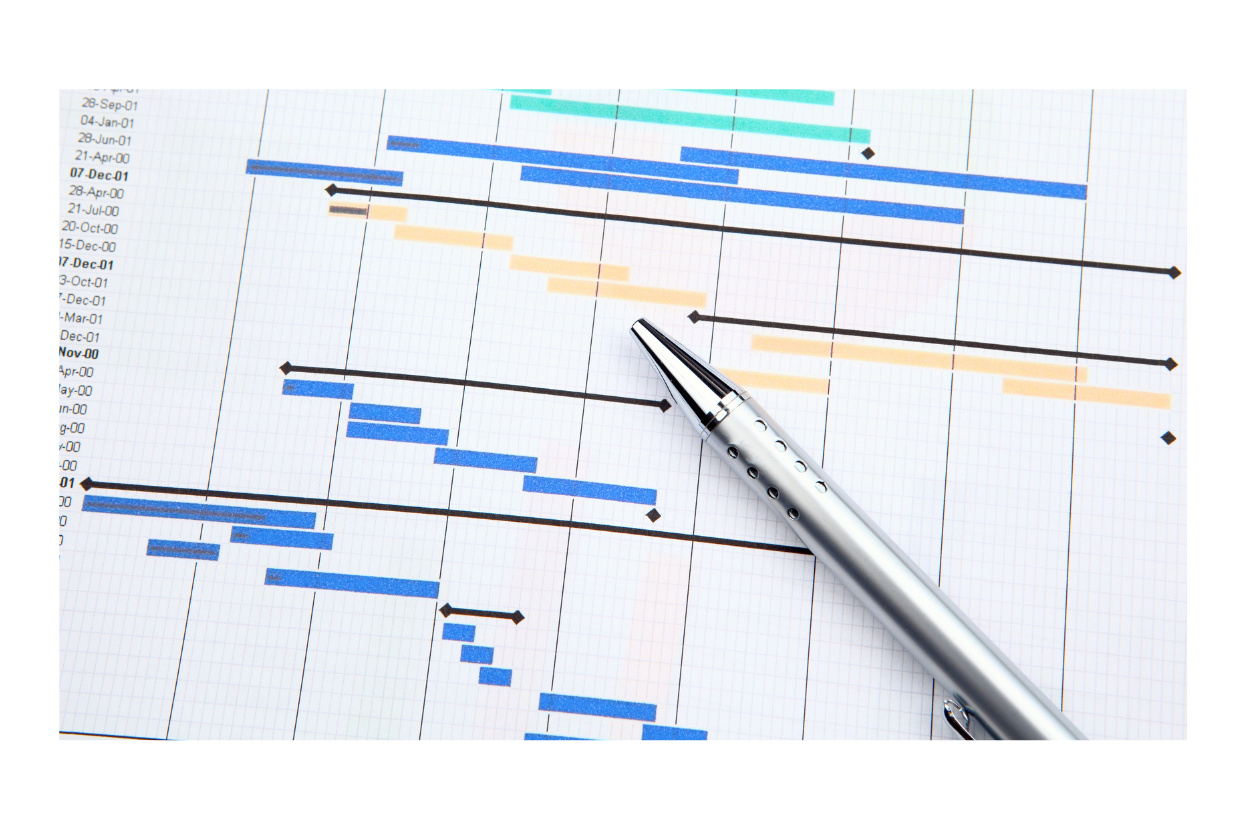
The platform provides high-level Dynamic Gantt Charts and interactive calendar views. These tools empower managers to visualize critical paths, dependencies, and milestones in real-time. This predictive visibility makes it easier to identify potential bottlenecks and implement mitigation strategies before deadlines are impacted.
Absolutely. Using our flexible Form Builder, you can deploy a dedicated Project Change Request (PCR) workflow. This ensures that every budget adjustment or scope deviation is formally reviewed, electronically signed, and archived for a complete governance audit trail.
Information integrity is maintained through Automated Version Control. Each update creates a sequential record while preserving the previous history. This ensures the team always operates using the most current specifications while maintaining a transparent revision history for future reference.
Yes. 101Form transforms project experience into Organizational Best Practices. You can save any successful project structure as a template, allowing for the rapid deployment of optimized SOPs in future initiatives. This ensures continuous institutional learning and consistent delivery quality.

“Empowering Your Digital Transformation Needs”
For a Greener Office Future